Screenshots
A glance at the app
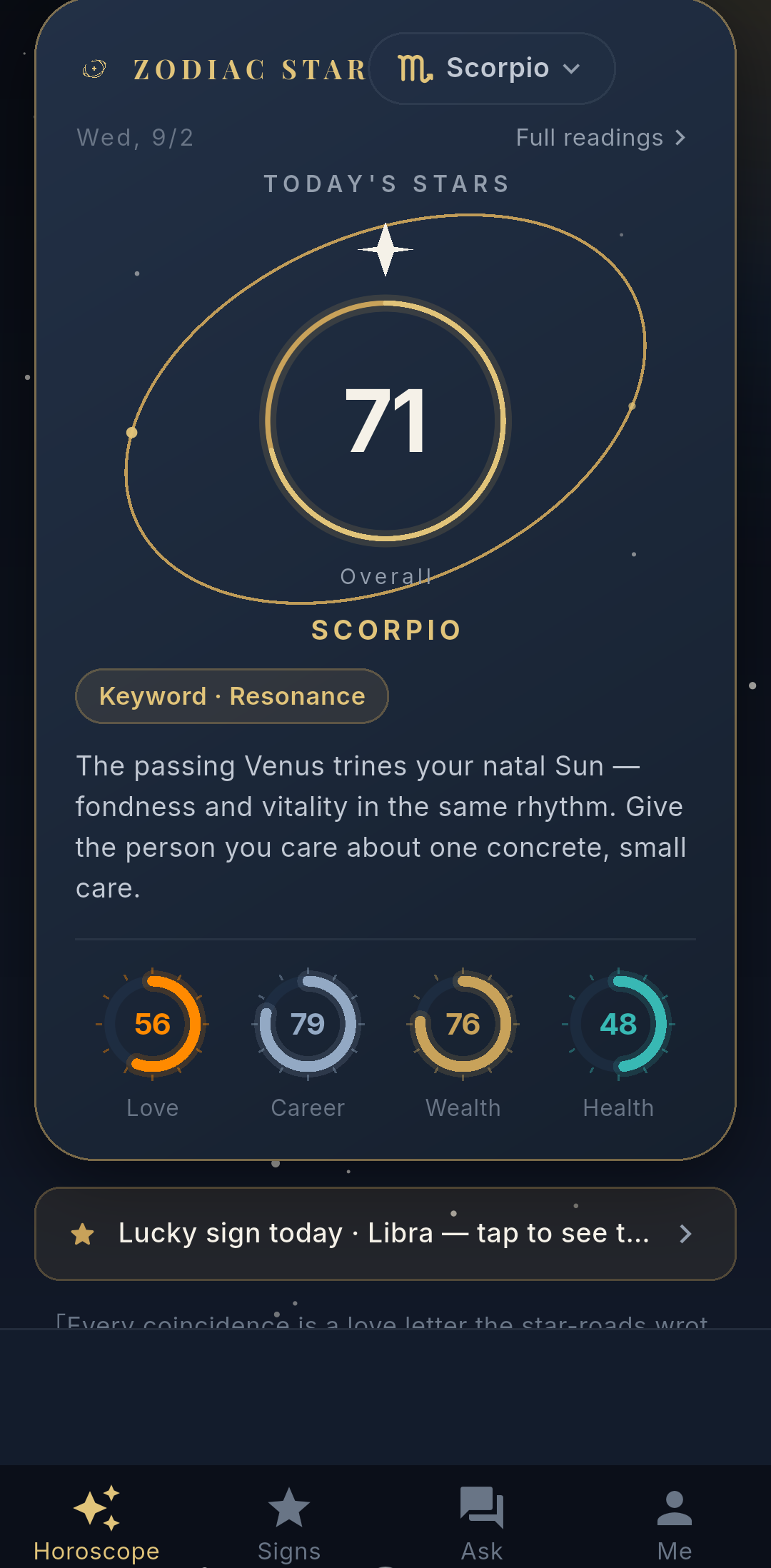
Today's Fortune
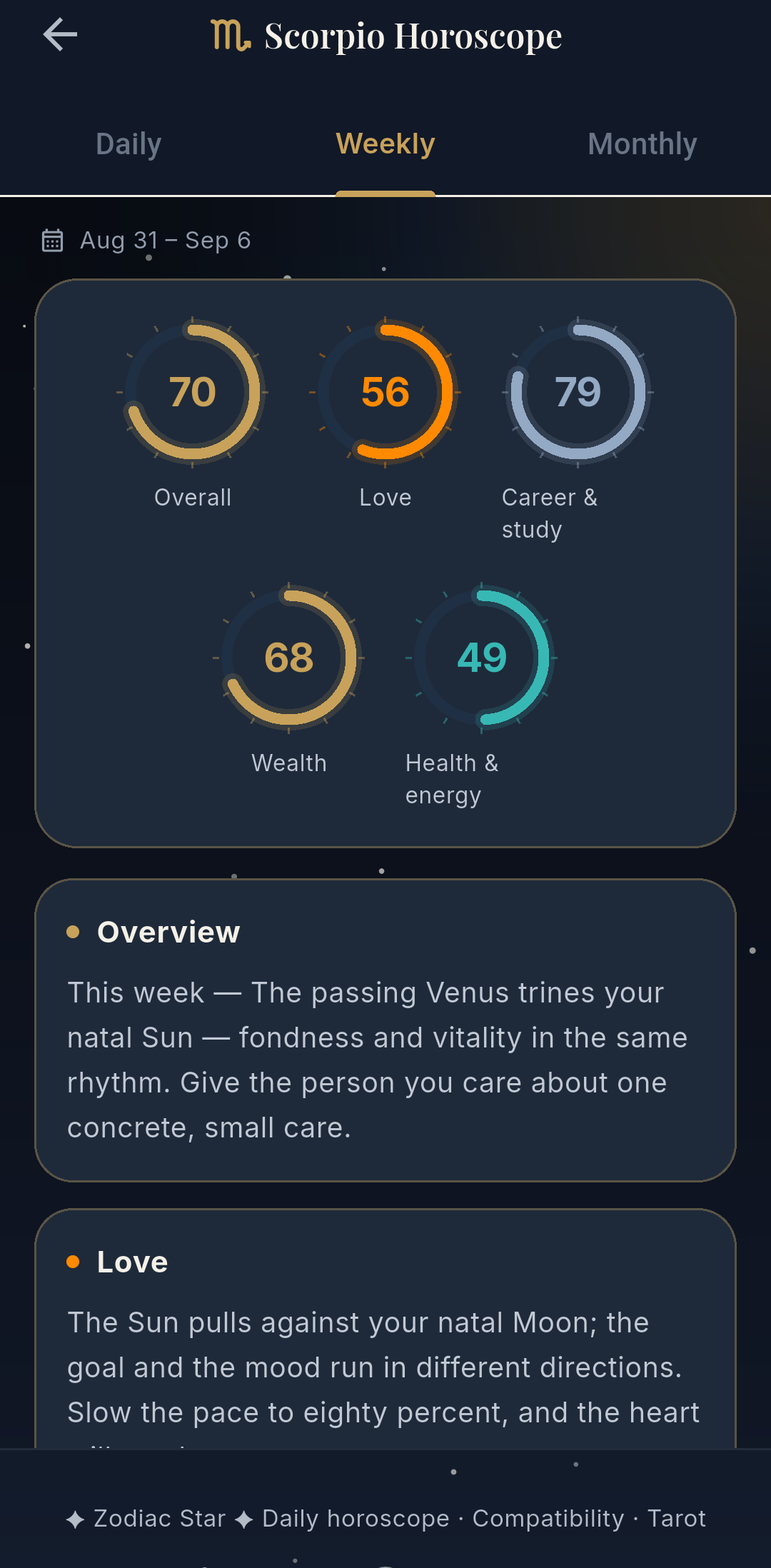
Period Readings
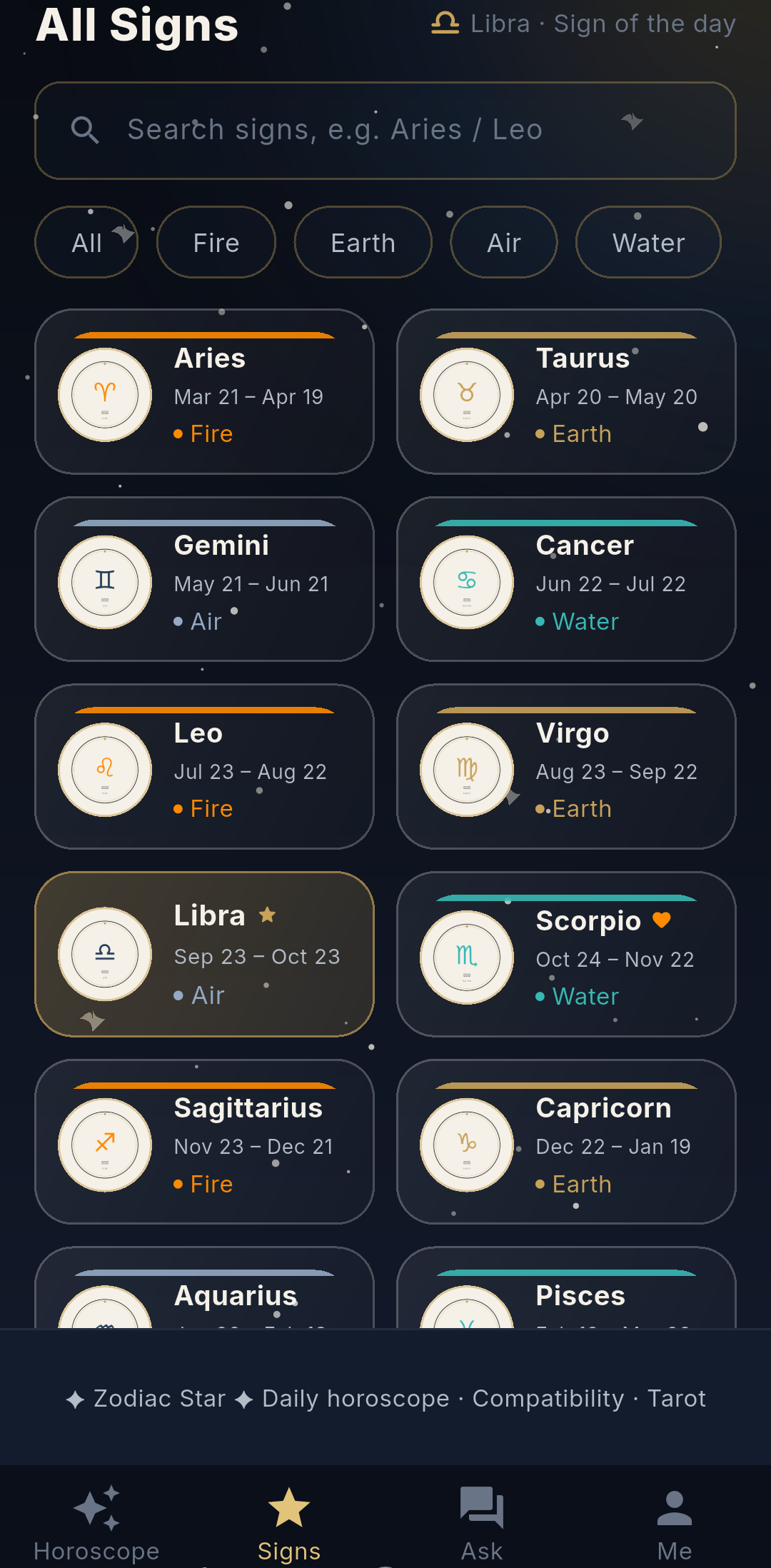
Sign Almanac
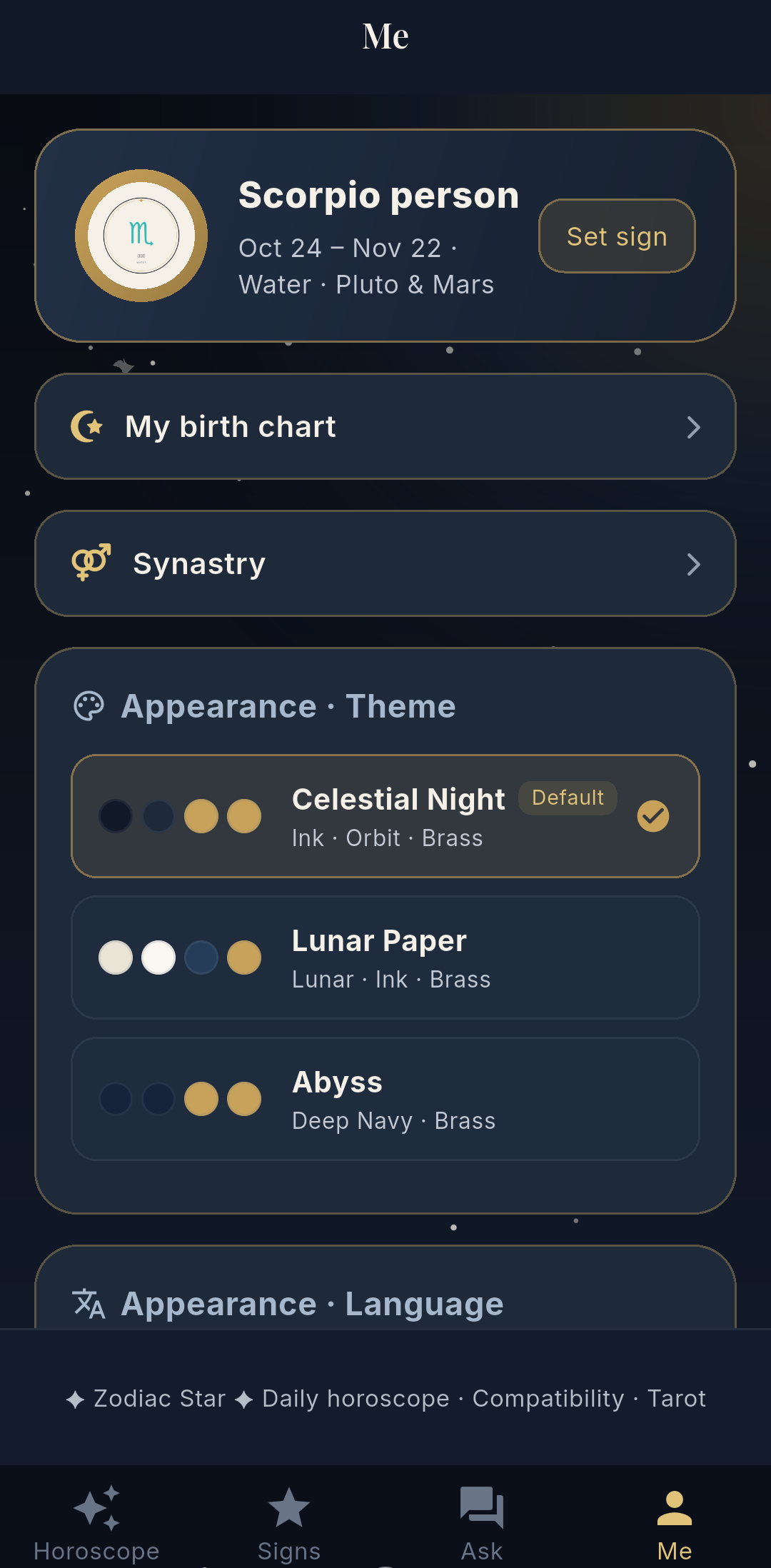
Me & Settings
Natal Chart · Astrology · 11 Languages
CELESTIAL SEAL
Your sky, read for you — your birth chart, daily, weekly & monthly zodiac readings, a personal astrologer, synastry and the full 12-sign almanac. Free on Android.
Read Your Sky
Features
One compact app: your natal chart, daily-to-monthly readings, synastry, and a celestial companion.
Enter your birth date, time and city — your birth chart is computed on-device: 10 planets, house cusps and major aspects. Your birth data never leaves your phone.
The astrologer reads your natal chart against today's transit sky into one personalized deep reading — reread it for free within 48 hours; every reading stays in your private, on-device history (50 entries, favorites kept forever).
Add a partner's birth data and see how the two charts interact — the key aspects between your planets, explained in plain words.
Scored from the real transiting planets against your natal chart — an overall score with love, career, wealth & health breakdowns, a keyword of the day, a tarot card and lucky colors, numbers, directions and items.
Weekly and monthly outlooks computed from the real transit sky of the period — with the exact date range shown, so you always know which sky you are reading.
Ask your own question and get a personalized answer from an astrologer that knows your sign and today's chart. Free daily quota, more by watching a short ad.
Full profiles for all 12 signs — personality, love style, career, health, element & ruling planet — plus a compatibility match between any two signs.
A tarot card each day with its meaning and advice, and a lucky grid: color, number, direction, item, food and your best zodiac partner for the day.
Follows your phone's language automatically — EN, DE, FR, JA, ES, PT, IT, KO, ZH-TW, TR, ZH — with three celestial themes: Celestial Night, Lunar Paper, Abyss.
Screenshots
Today's Fortune
Period Readings
Sign Almanac
Me & Settings
Languages
The app follows your system language by default — or pick any of the eleven.
Download
Counts as an official Play install, auto-updates
After downloading, open the file and allow “Install unknown apps” for your browser.
Already installed? Update in-app: Me → About → Check for updates.
Questions? Support · Privacy
FAQ